Code Health
React Doctor
A daily guardian that scans your React app, fixes the worst issue, and opens a PR.
Easy startShort cycleOpen loopVisible first run
How a run flows
On schedule
Every day · 6am
Step 1 · Scan
Scan the app
Step 2 · Prioritise
Pick one issue
Isolated git worktree · off main
Step 3 · Fix
Fix in isolation
Step 4 · Verify
Verify the fix
Step 5 · Ship
Open a PR
Board
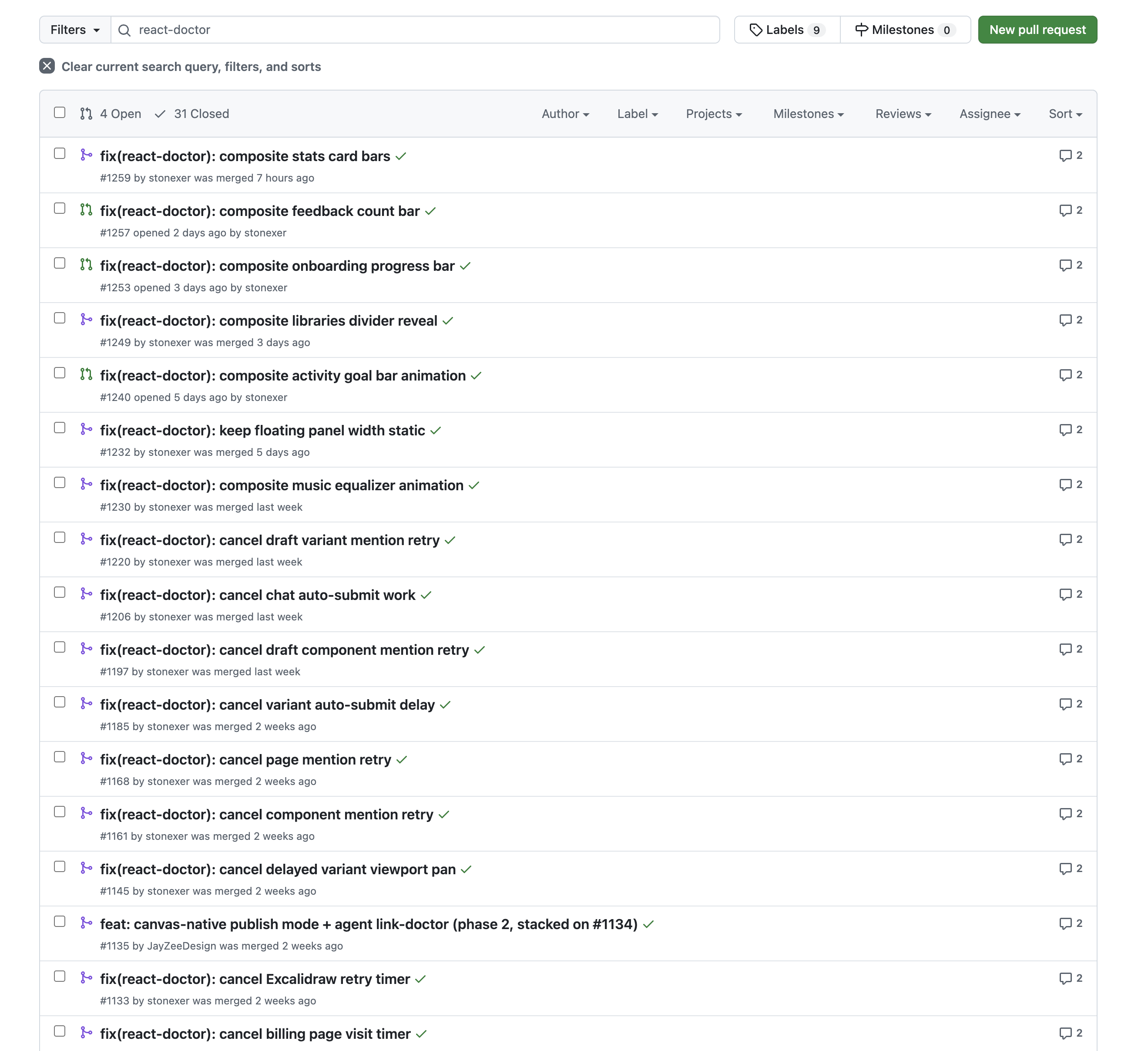
PR board
Metric
Health score
open loop — repeats on the next tick, picking up where it left off
How this loop works
- Suggested schedule
- Daily · ~6am
- Loop type
- Open loop — an ongoing monitor with no finish line.
- Exit condition
- Runs indefinitely (no finish line).
- Notifications
- On by default — you're alerted on each run's outcome (completion or failure). Silence with notify: never.
- Ease of starting
- Runs with almost no setup — confirm a detail or two and go.
- When you see value
- The first scan fixes the worst issue and reports a health score the same morning.
The prompt this runs
Set up a daily loop that keeps this React project healthy. Every morning around 6am my local time, scan the project with `npx react-doctor@latest`, pick the single most severe issue it reports, fix it, and verify the fix before proposing it. Do all the work in a fresh git worktree created off the main branch and located outside the loop folder - the loop folder is a synced content home, not a workspace - so neither my working checkout nor the sync is polluted. Open a pull request for the fix - but if a previous React Doctor PR is still open (unmerged), don't open another one that day; just refresh the existing PRs' statuses and still report the score. Track the pull requests as one markdown card per PR, each with front matter `type: open` or `type: merged` so a kanban board can follow them from open to merged, and report react-doctor's health score every day as a metric. Set up the loop's dashboard at creation: a kanban of the PR cards plus a chart of the health score over time.
This is the exact intent appended to the bootstrap when you create the loop — your coding agent reads it, then proposes cadence and config and confirms with you before creating anything.