Code Health
Doc Maintainer
A weekly sweep that catches documentation drift, verifies what really works, and lands fixes as a PR.
Moderate setupLong cycleOpen loopBuilds over runs
How a run flows
On schedule
Every Mon · 6am
Step 1 · Compare
Diff since last sweep
Step 2 · Verify
Verify for real
Isolated git worktree · off main
Step 3 · Fix
Fix real drift only
Step 4 · Ship
Open a PR
Report
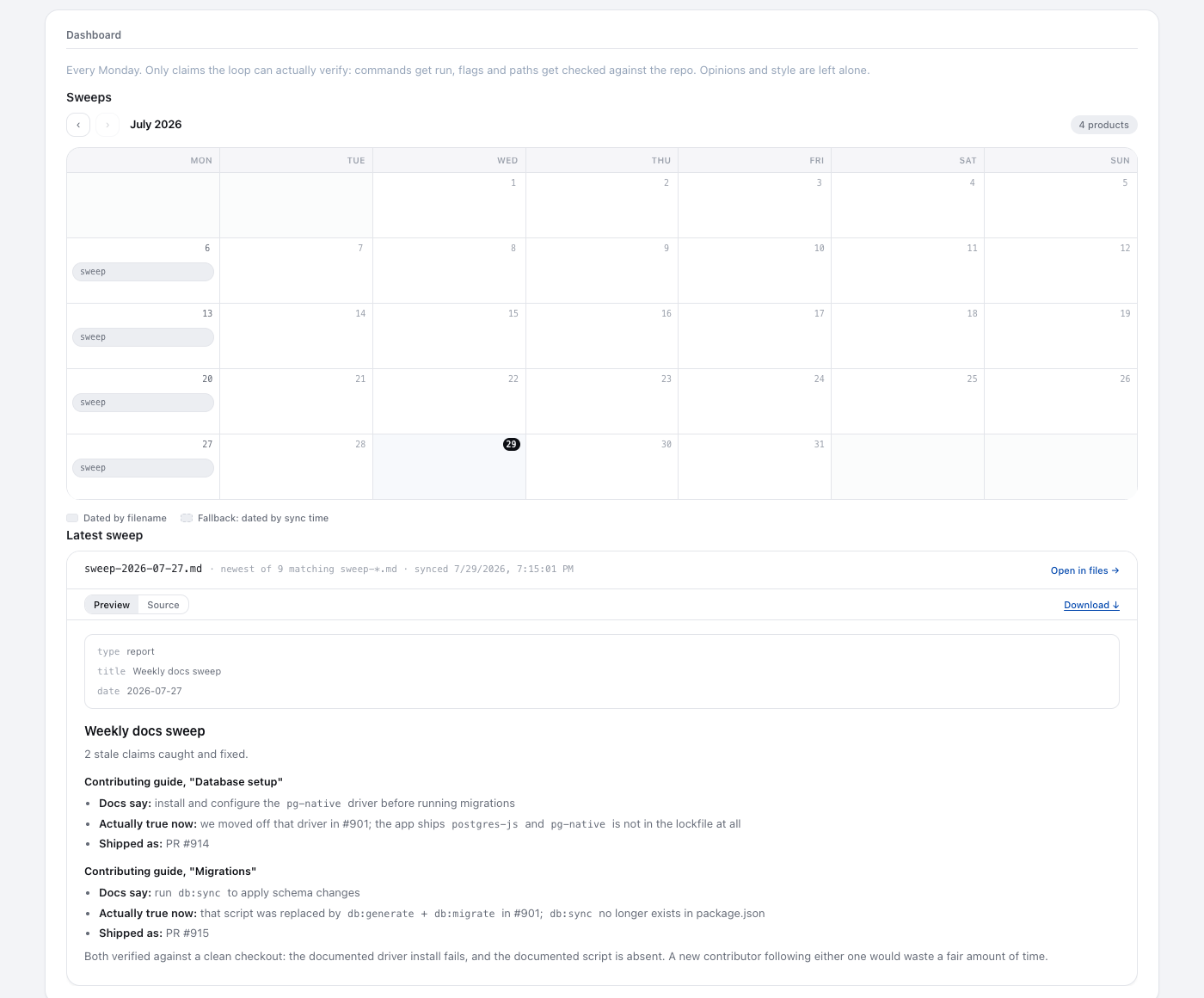
Latest sweep summary
Metric
Drift count
open loop — repeats on the next tick, picking up where it left off
How this loop works
- Suggested schedule
- Weekly · Mon ~6am
- Loop type
- Open loop — an ongoing monitor with no finish line.
- Exit condition
- Runs indefinitely (no finish line).
- Notifications
- On by default — you're alerted on each run's outcome (completion or failure). Silence with notify: never.
- Ease of starting
- Some setup and context are needed before the first useful run.
- When you see value
- Each caught drift lands as a PR; a well-kept codebase may take a few sweeps to surface one.
The prompt this runs
Set up a weekly loop that keeps this project's documentation honest. Every Monday around 6am my local time, review what has changed since the previous sweep - the loop keeps track of where the last one ended - and compare the README, setup guides, examples, and runbooks against what the code actually ships now. Verify for real: run the commands, check the links, try the examples rather than trusting memory. Fix only material that is genuinely stale - never rewrite accurate docs just to create activity; finding nothing wrong is a clean stop. Do the work in a fresh git worktree off the main branch and located outside the loop folder - the loop folder is a synced content home, not a workspace - so neither my working checkout nor the sync is polluted, and open a pull request explaining the drift and the fixes - but if a previous sweep's PR is still unmerged, don't stack another one. Write a short summary each sweep and report the drift count as a metric, zero included. Set up the loop's dashboard at creation: an embed of the latest sweep summary plus a chart of the drift count over time.
This is the exact intent appended to the bootstrap when you create the loop — your coding agent reads it, then proposes cadence and config and confirms with you before creating anything.